Game Environment Art Outsourcing: Production Guide
How to outsource game environment art - modular kits, background paintings, brief requirements, quality checks, and finding the right environment art studio.
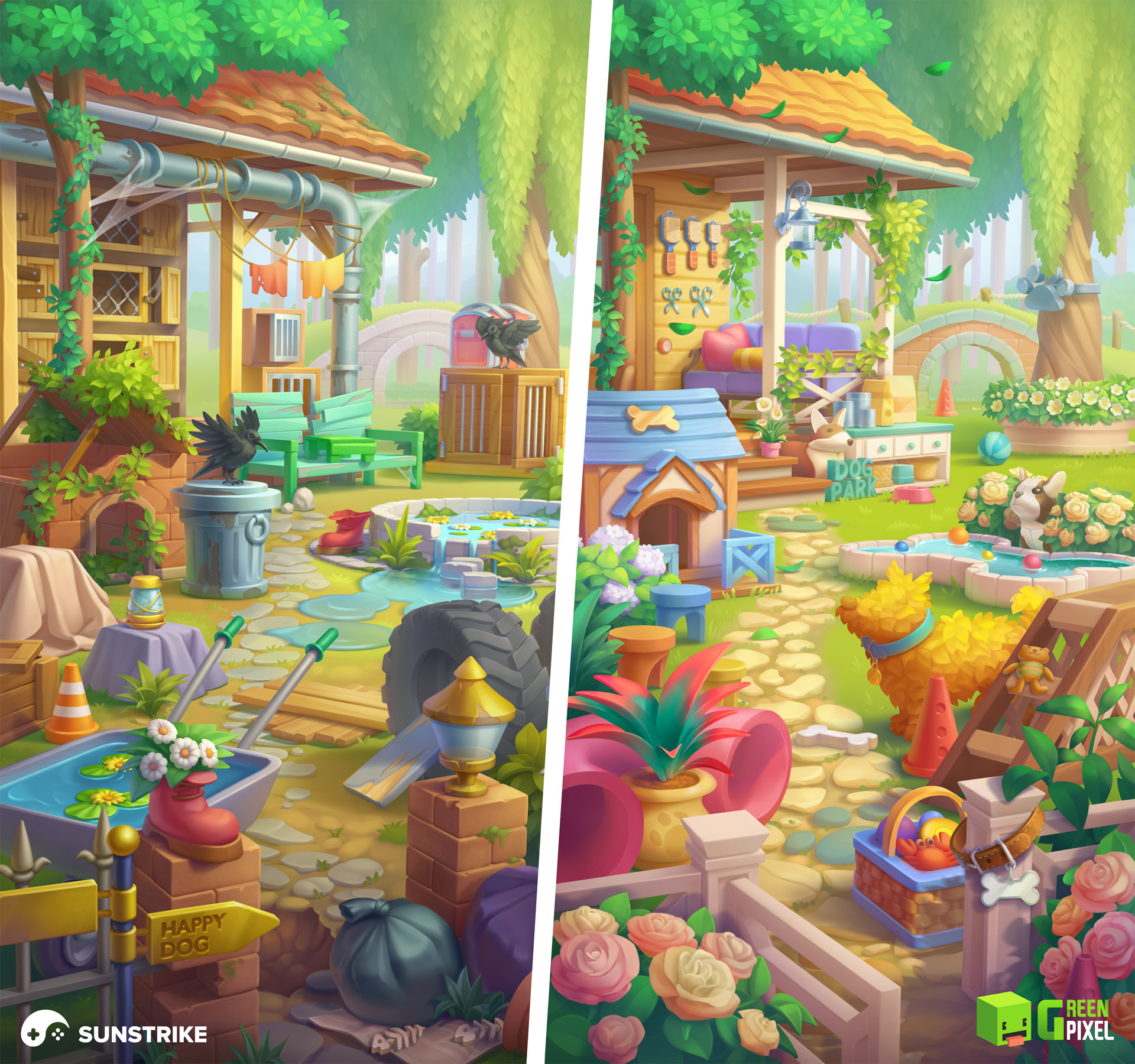
Game environment art outsourcing is typically the highest-volume category in game art production. A game needs more environment assets than characters - backgrounds, level geometry, props, environmental storytelling objects, atmospheric elements. This volume is why environment art is one of the most commonly outsourced disciplines, and one of the areas where poor outsourcing management causes the most expensive problems.
This guide covers how to outsource game environment art effectively: what to brief, what to check, and how to build a production pipeline that delivers consistent results.
Types of Game Environment Art
Environment art outsourcing covers a range of disciplines with different production requirements:
2D Background Art
Static or layered background illustrations for 2D games, cutscenes, or menu screens. Production is relatively straightforward - concept reference, illustration pass, color/detail refinement, file delivery.
2D background art outsources well because the deliverable is a discrete file. The main brief requirements are clear style references, exact resolution and aspect ratio, layer requirements (for parallax scrolling, the backgrounds need to be delivered as separate layer files), and delivery format.
3D Modular Environment Kits
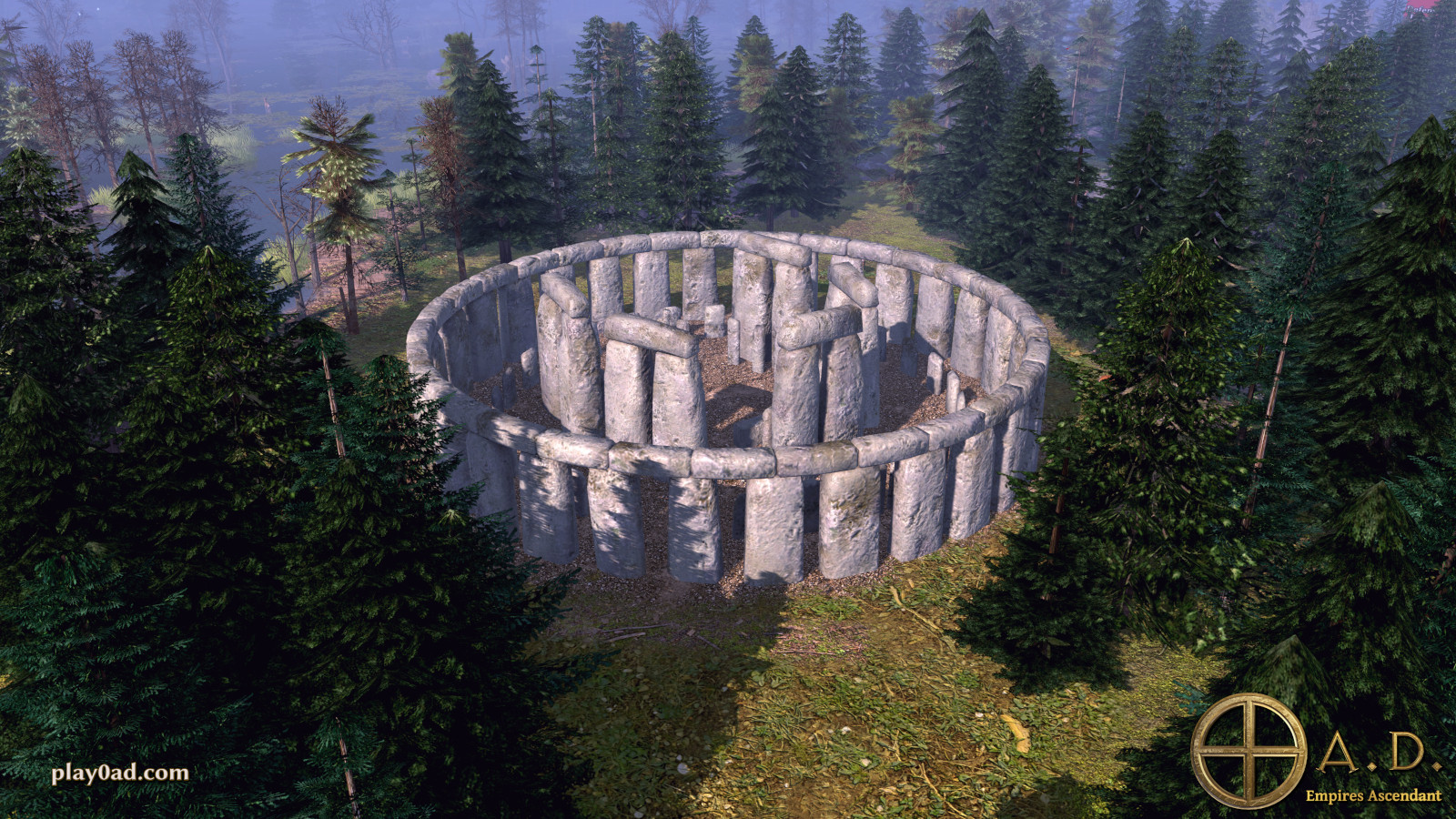
The most common 3D environment art outsourcing scope: a set of modular pieces (floor tiles, walls, columns, doorways, decorative trim, props) that can be assembled by your level designers into environments.
Modular kits are highly efficient for outsourcing because the scope is well-defined and the pieces can be reviewed systematically. The challenge is defining the kit requirements clearly - what pieces are needed, what scale they must adhere to, and how they need to connect to each other.
3D Hero Props and Set Dressing
Individual significant objects placed in the environment for visual interest or storytelling - specific furniture, architectural details, narrative objects. These have higher detail requirements than modular kit pieces.
Hero props often have complex LOD requirements because they may be seen at various distances. Brief these with explicit LOD targets and performance constraints.
Environment Concept Art
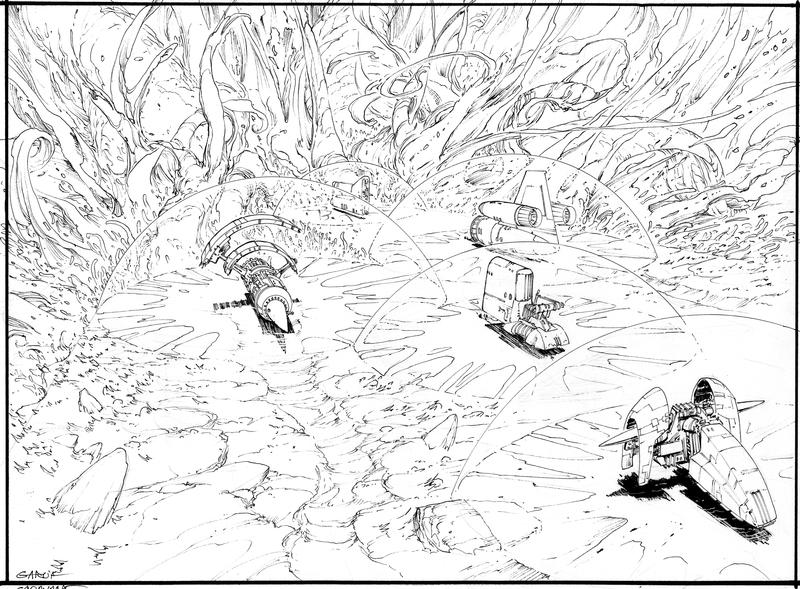
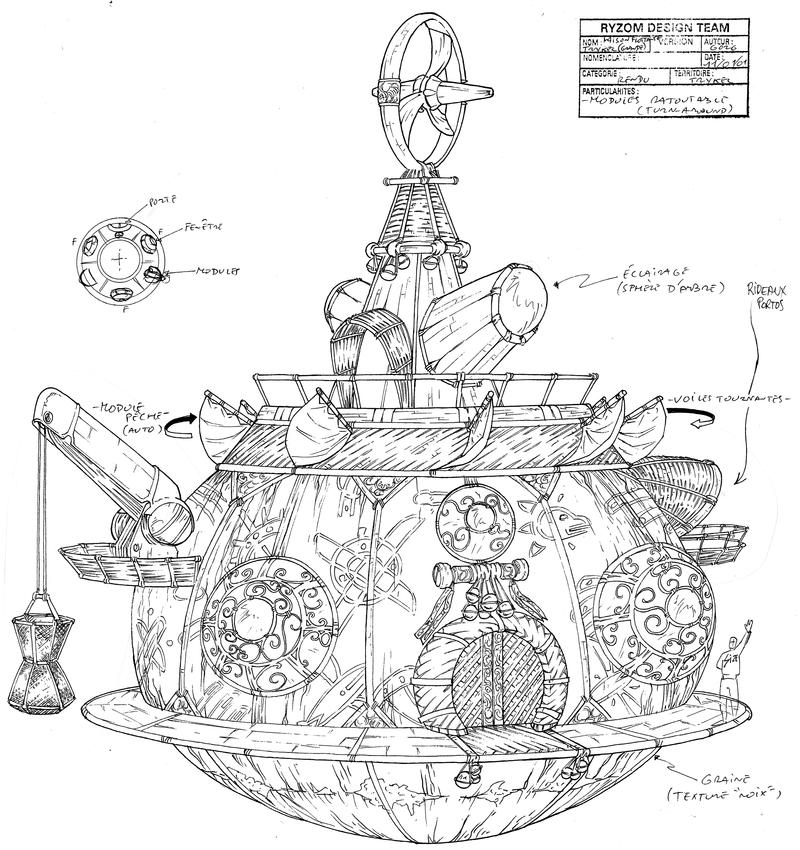
Before any 3D production begins, environment concept art defines the look of each level or biome. Concept art establishes color palette, lighting mood, architectural style, and spatial composition.
Many studios underinvest in environment concept art, treating it as optional. This creates expensive problems in 3D production when the visual direction isn’t established. Commission concept art for each distinct environment type before briefing 3D production.
Terrain and Landscape Art
Large-scale landscape elements - terrain meshes, height maps, ground texture sets, biome-specific vegetation. This is typically more technical than character or prop work and requires strong understanding of your terrain system.
Building a 3D Environment Art Brief
Environment art briefs require more technical specification than character art briefs. Here’s what every 3D environment brief needs:
Scale and Grid System
Define the scale unit (1 unit = 1 meter, or 1 unit = 100cm) and whether you use a grid-based level design system. If your level design tool snaps to a grid, the modular kit must be built to that grid.
For modular kits, define the module size: “All floor tiles are 4×4 units. All walls are 4 units wide and 3 units tall. Doorways are 2 units wide and 2.5 units tall.” If the modular pieces don’t snap together correctly, the entire kit is unusable.
Test this: import one floor tile and one wall section from the prototype batch into your level editor and confirm they snap correctly before commissioning the full kit.
Polycount Budgets
Define per-asset polycount targets for each asset category:
- Modular walls and floors: 100–500 triangles each
- Standard props: 200–2,000 triangles depending on size and complexity
- Hero props: 1,000–10,000 triangles
- Background elements (low-priority objects): 50–200 triangles
Without explicit polycount targets, studios will default to however many polygons they think looks right - which for portfolio work often means more polygons than you can afford at runtime.
LOD Requirements
Define whether you need LODs and if so, what reduction targets:
- LOD0 (base): full polycount
- LOD1: 50% of LOD0
- LOD2: 25% of LOD0
- LOD3: 10% of LOD0 or imposter
For large open worlds, LODs are essential. For small levels with limited view distance, they may not be needed.
Texture Specifications
- Resolution: 512, 1024, 2048, or 4096 per asset (or texture atlas policy)
- Maps required: Albedo/Diffuse, Normal, Roughness/Metallic, AO, Emissive (if needed)
- Tiling vs. unique textures: modular kit pieces typically use tiling materials; hero props get unique texture sheets
- Texture set organization: are you using atlases (multiple assets sharing one texture sheet) or per-asset textures?
Style Reference
Provide multiple visual references for each distinct environment type, with annotations. “We want the color palette from reference A, the architectural style from reference B, and the level of decay/weathering from reference C.”
References from similar shipped games are the most useful because they demonstrate what’s achievable at comparable production values.
Quality Checks at Each Production Stage
Concept Art Review
Before approving concept art for 3D production, check:
- Color palette cohesion - does the environment feel like it belongs in the same world as your character art?
- Readability of gameplay space - if this is a playable environment, can you visualize where the player can walk, jump, and interact?
- Level of detail match - does the concept set realistic expectations for the 3D deliverable? Concept art that’s more detailed than your production budget allows will lead to disappointment.
- Foreground/background separation - important elements should be visually distinct from background elements; busy background art makes gameplay reading difficult.
Blockout and Greybox Review
Before texturing begins, review the untextured geometry:
- Scale verification - does a test character walk through the space at the correct scale?
- Grid alignment - do modular pieces snap together correctly without visible gaps or z-fighting?
- Silhouette quality - does the overall space read well in silhouette? Strong silhouettes make environments visually legible.
- Gameplay readability - are obstacle edges, platform edges, and interactive elements visually clear?
Textured Asset Review
Review textured assets in your actual game engine, not the artist’s rendering application:
- Material quality - do PBR materials look correct under your engine’s lighting?
- Texture seams - are there visible seams at UV boundaries that won’t be acceptable at close range?
- Tiling frequency - for tiling materials, does the tile repeat create visible patterns at expected viewing distances?
- Texture resolution match - does the texel density (pixels per world unit) match between adjacent surfaces?
Integration Review
Final review: place assets in an actual level and evaluate:
- Visual cohesion - do all assets look like they belong in the same world?
- Performance - does the combined asset set perform acceptably at target platform specs?
- LOD transitions - if using LODs, are the transitions visible at viewing distances where players would notice?
Common Environment Art Outsourcing Problems
Inconsistent Scale
The most common and most expensive environment art problem. If different studios or artists produce assets at slightly different scales - one studio’s doorway is 2.1m and another’s is 2.4m - the modular pieces don’t fit together. Define exact measurements and test prototype assets before full production.
Tiling Materials That Repeat Visibly
Tiling textures for large surfaces (floors, walls) often show visible repetition at scale. The brief should specify acceptable viewing distances and request offset/variation variants if needed. Review tiling materials in the engine at the camera angles players will actually see.
Style Inconsistency Across a Kit
When a modular kit is produced by multiple artists, different pieces may have subtly different interpretations of the style - varying amounts of weathering, different saturation levels, different normal map intensity. Brief this explicitly: “All weathering should be moderate - Reference B level - not heavy like Reference C.” Review the full kit together before accepting individual pieces.
Overly Dense Meshes in Background Elements
Background elements (distant buildings, landscape features, objects beyond the primary gameplay area) are sometimes modeled at the same detail level as foreground objects. This wastes performance budget. Establish explicit polycount budgets by visual priority category and enforce them at review.
Modular Kit Design: A Practical Checklist
Before briefing a modular environment kit, confirm:
- Grid module size defined (width × depth × height of base module)
- Connection rules defined (how pieces attach to each other)
- Material system defined (tiling textures, unique textures, or mixed)
- Polycount budgets per piece category defined
- LOD requirements defined
- Example level assembled from the kit (to verify the pieces produce the intended result)
- Minimum and maximum kit piece count specified
Delivering this checklist alongside your brief prevents the most common modular kit production problems.
For related reading, see our guides on 3D art outsourcing and game art style consistency.
Finding Environment Art Studios
Environment art is a relatively common outsourcing discipline - most 3D game art studios handle it. The specialization to look for:
For realistic/AAA quality: Studios with portfolio work in shipped console or PC games. Look for evidence of material quality, LOD discipline, and level integration (portfolio pieces shown in actual game context, not just isolated renders).
For stylized environments: Match the specific stylized aesthetic. A studio that does excellent realistic environments may produce mediocre work in your game’s stylized direction.
For mobile environment art: Mobile environment work has specific constraints (lower poly budgets, different texture resolution targets, different LOD strategy). Studios experienced with mobile production understand these constraints without needing to be educated on them.
Environment art is where games live - it defines the visual impression of your world more than any other category. The studios that get it right build clear technical pipelines, establish visual direction through strong concepts, and review at every production stage before problems compound.