
How to Write a Game Art Brief: Template and Best Practices
Complete guide to writing game art briefs that get the assets you need - includes a brief template, examples of what works, and common mistakes to avoid.

The most common reason game art outsourcing fails isn’t the studio’s skill - it’s the brief. A vague or incomplete brief is the single biggest predictor of disappointing results, missed deadlines, and expensive revision rounds.
Writing a good art brief is a learnable skill. This guide covers exactly what to include, how to structure it, and what separates briefs that produce great work from briefs that produce frustration.
What a Game Art Brief Actually Is
A game art brief is a document you give to an external studio or freelancer that defines exactly what you need them to create. It’s not a contract, but it’s not casual either - it’s a production document that the art team will use as their primary reference throughout the project.
A good brief answers four questions:
- What needs to be created (scope and deliverables)
- How it should look (style, references, constraints)
- When it needs to be delivered (timeline and milestones)
- What format the final files should be in (technical specifications)
The Core Sections of a Game Art Brief
1. Project Overview
Start with context. The artist needs to understand what game they’re making art for, even at a high level. This section should cover:
- Game title and genre
- Target platform(s)
- Art style direction (e.g., “stylized low-poly,” “realistic sci-fi,” “2D hand-drawn”)
- Target audience (this affects tone and complexity)
- Where the assets will appear in the game
Example:
Orbital Drift is a 2D action platformer for PC and mobile. The art style is clean vector illustration with a neon color palette - think Hades meets Hollow Knight. Assets will appear in gameplay and UI. Target audience is core gamers aged 18–35.
2. Deliverables List
Be specific. List every asset you need, including:
- Asset name
- Quantity
- Variants required (e.g., idle/walk/attack animations, damaged state, color variants)
- Dimensions or polycount (for 3D)
- Resolution requirements
Example deliverables list:
| Asset | Qty | Variants | Dimensions |
|---|---|---|---|
| Player character sprite | 1 | Walk, idle, jump, attack (4-frame each) | 256×256px |
| Enemy drone sprite | 3 types | Idle, attack, death | 128×128px |
| Platform tiles | 12 | Normal + damaged states | 64×64px tileable |
| HUD icons | 8 | Normal + highlighted states | 48×48px |
The more specific this table, the fewer surprises you’ll get at delivery.
3. Visual Style References
This is where most briefs fail. “We want something like Hollow Knight” is not a brief - it’s a starting point for a conversation.
Effective visual references should include:
Direct references - games, films, or artwork that are close to your target style. Include multiple examples that highlight specific attributes you want: “We like the color usage in reference A, the line weight in reference B, and the character proportions in reference C.”
Negative references - what you explicitly don’t want. “Not like Fortnite,” “avoid flat-color illustration with no texture,” “do not use lens flare.” Negative examples are as useful as positive ones.
Your own existing assets - if you have any art from your game, include it. Consistency with existing work is usually more important than achieving a theoretical ideal.
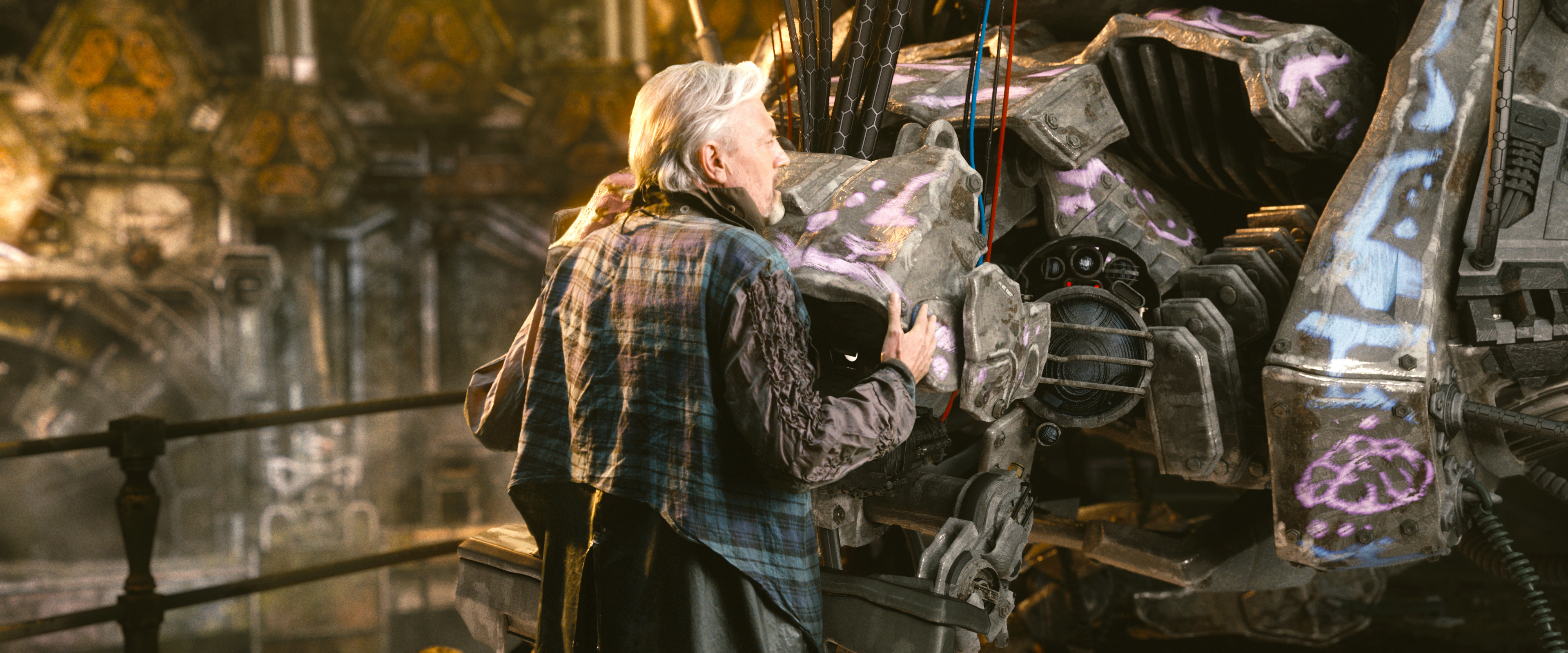
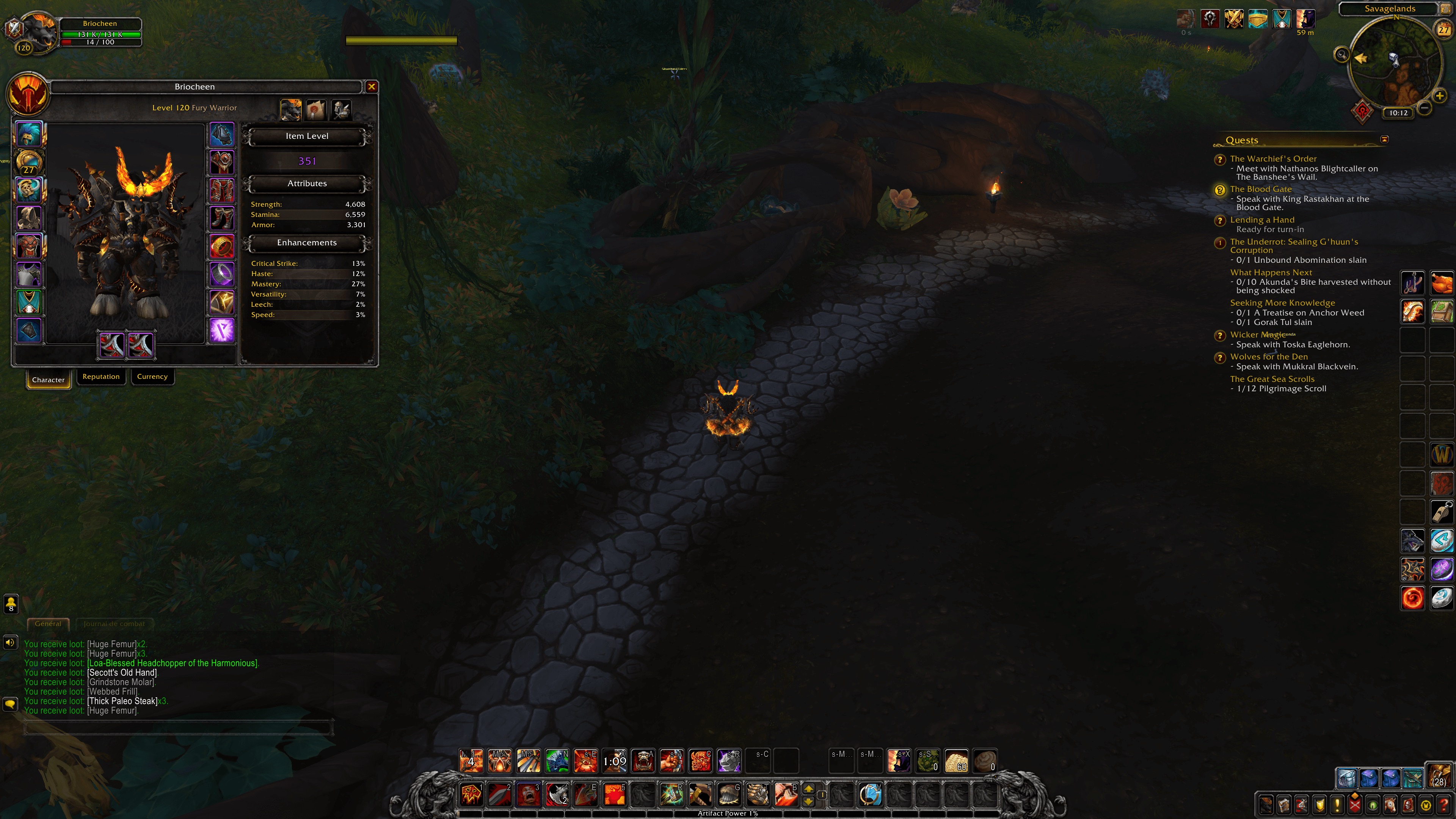
Specific annotated screenshots - if you’re pointing to a reference, mark up exactly what you’re pointing to. “Use the lighting in this screenshot” → draw an arrow to the specific light source.
4. Technical Specifications
This section defines the file format and technical requirements:
- File format (PNG, PSD, FBX, OBJ, etc.)
- Color mode (RGB or specific color profile)
- Resolution / DPI
- Polycount limits (for 3D)
- Texture resolution and format
- Layer naming conventions (if PSD)
- Delivery format (Zip, Google Drive, WeTransfer, etc.)
- Naming convention for files
Example:
Deliver all sprites as layered PSDs with merged PNG exports. PNG resolution: 2× final game resolution (we’ll downsample). Name files: [asset-name]_[variant]_v01.png. Deliver via shared Google Drive folder.
5. Art Direction Notes
This is where you put everything that doesn’t fit cleanly into the other sections:
- Color palette (provide exact hex codes if possible)
- Lighting rules (e.g., “always backlit,” “single light source from top-right”)
- Anatomy and proportion notes (e.g., “stylized - big heads, small bodies”)
- What to avoid (specific colors, elements, design patterns)
- Tone/mood notes (e.g., “dark and oppressive, but not gory”)
6. Revision Policy
Define upfront how many rounds of revisions are included and what constitutes a “revision” versus new work.
Example:
Two rounds of feedback are included. We will provide consolidated written feedback within 3 business days of each delivery. Changes to scope after approval of a milestone will be scoped separately.
7. Timeline and Milestones
Break the project into checkpoints. For any project of meaningful size, you want intermediate deliverables - not just a final delivery at the end.
Example milestone structure:
| Milestone | Deliverable | Date |
|---|---|---|
| M1 | Concept sketches for approval (no color) | Week 1 |
| M2 | Colored concepts for approval | Week 2 |
| M3 | Final assets, first revision pass | Week 4 |
| M4 | Final delivery, approved assets | Week 5 |
Milestones give you checkpoints to catch problems early, before they’re baked into final work.
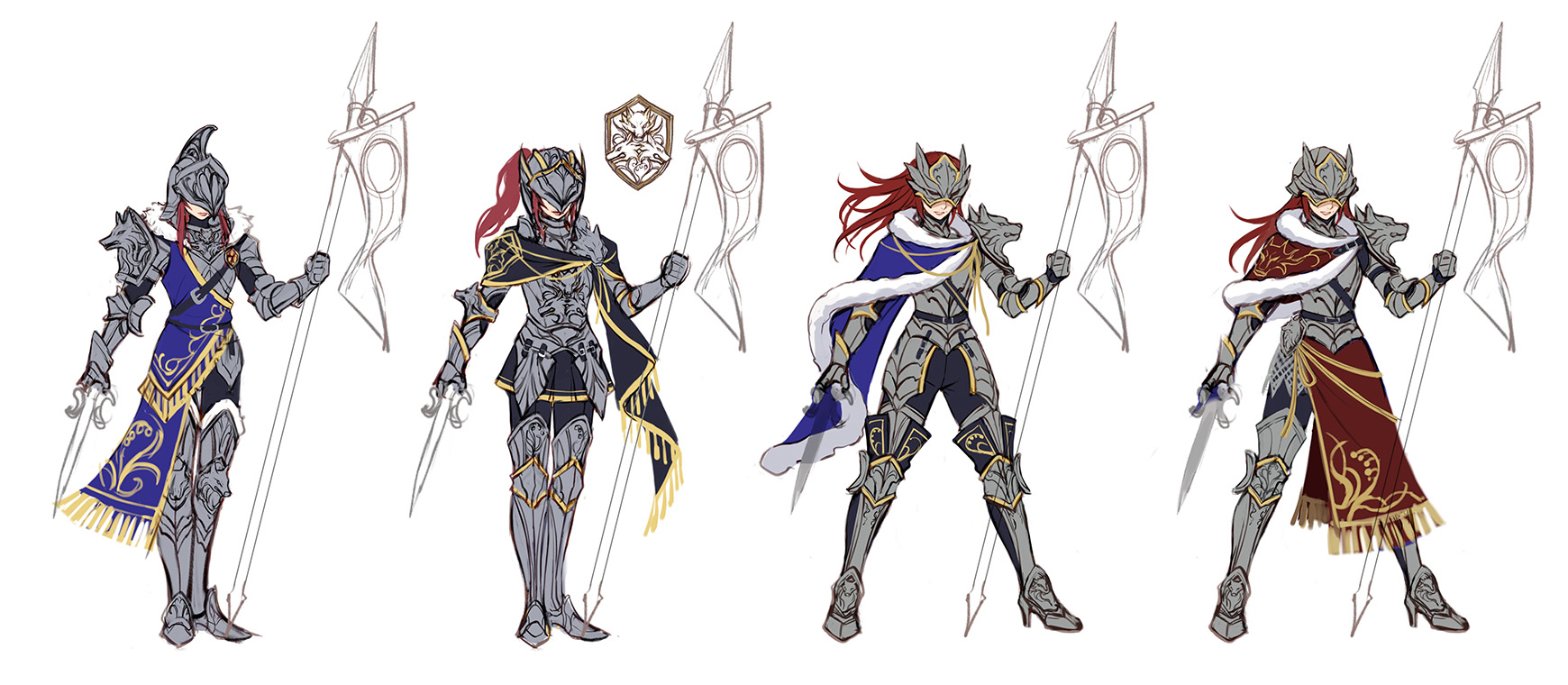
What to Include in Your Reference Package
Beyond the written brief, package the following:
- Screenshot folder - labeled references with annotations
- Style guide (if you have one) - colors, typography, any existing design rules
- Existing game assets - so the studio can match your current work
- Engine/platform notes - any constraints from your game engine or target platform
Zip this all together and deliver it alongside the brief document. A brief without references is like giving someone a recipe without telling them what country the dish is from.
Common Brief Mistakes
Being vague about style. “Modern and clean” means nothing. “Flat vector illustration with a limited palette of 4–6 colors and minimal shading - similar to Monument Valley” means something.
Forgetting to specify variants. You ask for a character sprite. You receive the idle animation. You needed walk, jump, attack, and death - all of which require separate specifications and budget.
No negative references. Telling an artist what you don’t want is as important as what you do want. If you have strong aversions - specific styles, palettes, or approaches you want to avoid - say so.
Omitting technical specs. “Whatever format works” creates delivery problems. Define the format you need before production starts, not after.
Changing scope mid-project without flagging it. New ideas mid-production are normal. Treating them as “just a small change” to the original brief creates tension and budget overruns. Flag scope changes formally and discuss their impact.
A Simple Brief Template
Here’s a minimal template to get you started:
GAME ART BRIEF - [PROJECT NAME]
Date: [DATE]
Studio: [YOUR STUDIO]
Contact: [YOUR NAME + EMAIL]

---

GAME CONTEXT
Title:
Genre:
Platform:
Art Style:
Brief Description:

---

DELIVERABLES
[Asset Name] | [Qty] | [Variants] | [Technical Spec]

---

VISUAL REFERENCES
Positive references: [list with notes on what specifically you like]
Negative references: [list with notes on what to avoid]
Attached files: [list]

---

TECHNICAL SPECS
File format:
Resolution:
Naming convention:
Delivery method:

---

ART DIRECTION NOTES
Color palette:
Lighting:
Anatomy/proportions:
Tone/mood:
Do not include:

---

TIMELINE
[Milestone] | [Deliverable] | [Date]

---

REVISION POLICY
[Your standard revision policy]
For more on managing outsourced art once the brief is sent, see maintaining art style consistency and common outsourcing mistakes.
Getting the Brief Right Is Worth the Investment
A well-written brief takes a few hours to produce. The time you put into it saves days of revision, prevents misaligned deliverables, and builds trust with your outsourcing partners.
The studios that consistently get great work from their external teams are the ones that treat briefing as a core production skill - not a box to check before the “real work” begins.