2D vs 3D Game Art Outsourcing: Which Is Right for You?
Practical comparison of 2D vs 3D game art outsourcing - costs, timelines, pipelines, and how to decide which approach is right for your game's production needs.
When studios decide to outsource game art, one of the first questions is whether they need 2D or 3D work - and the answer shapes everything from the type of studio you hire to your budget, timeline, and production pipeline.
This guide compares both approaches across the dimensions that matter most for outsourcing decisions.
The Fundamental Difference
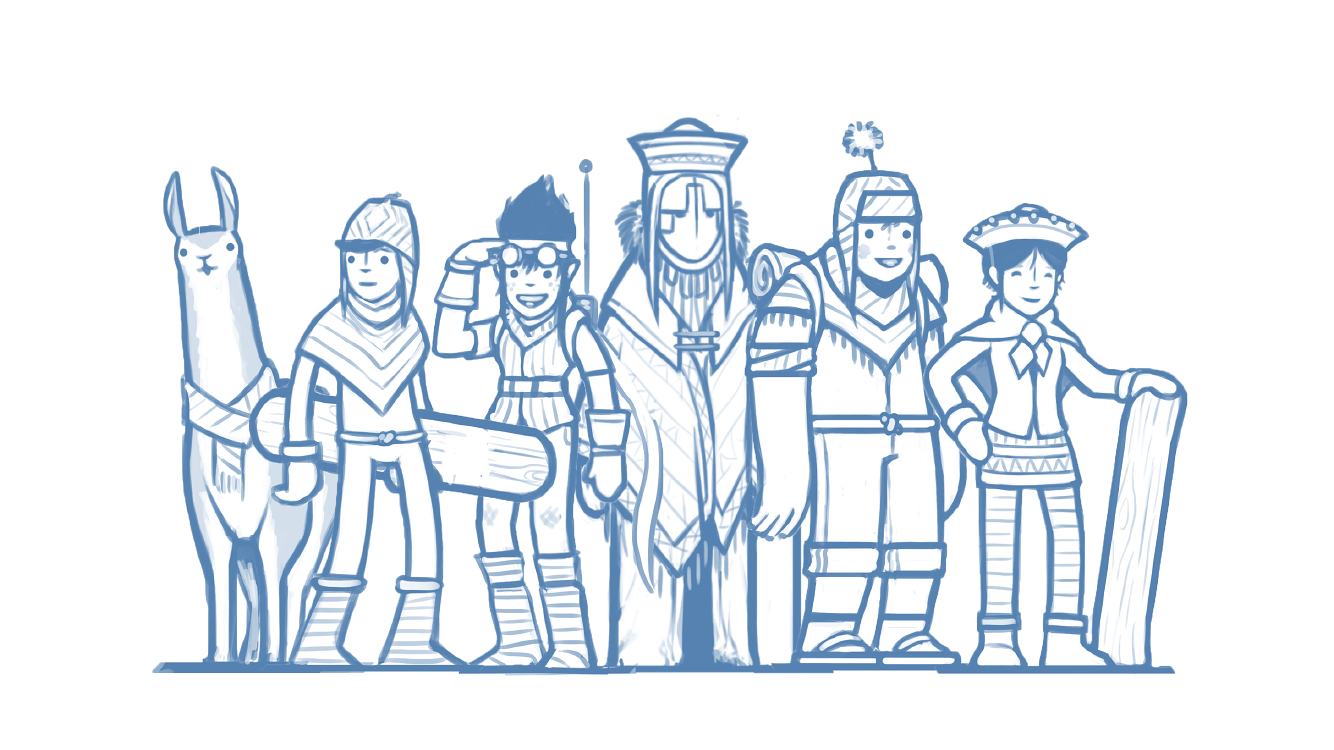
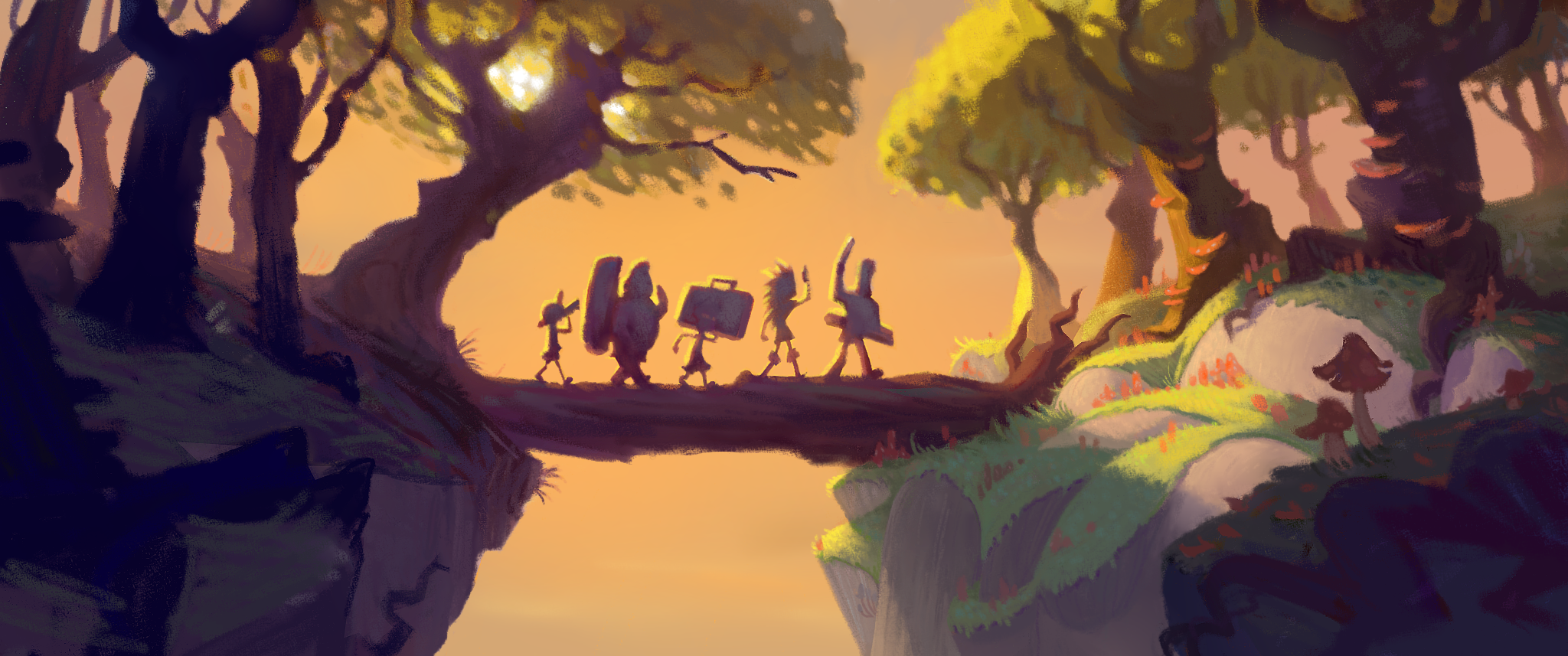
2D game art includes anything created in two dimensions: sprites, UI elements, concept art, backgrounds, icons, character illustrations, and hand-drawn animations. The production tools are typically Photoshop, Illustrator, Procreate, or animation software like Spine or DragonBones.
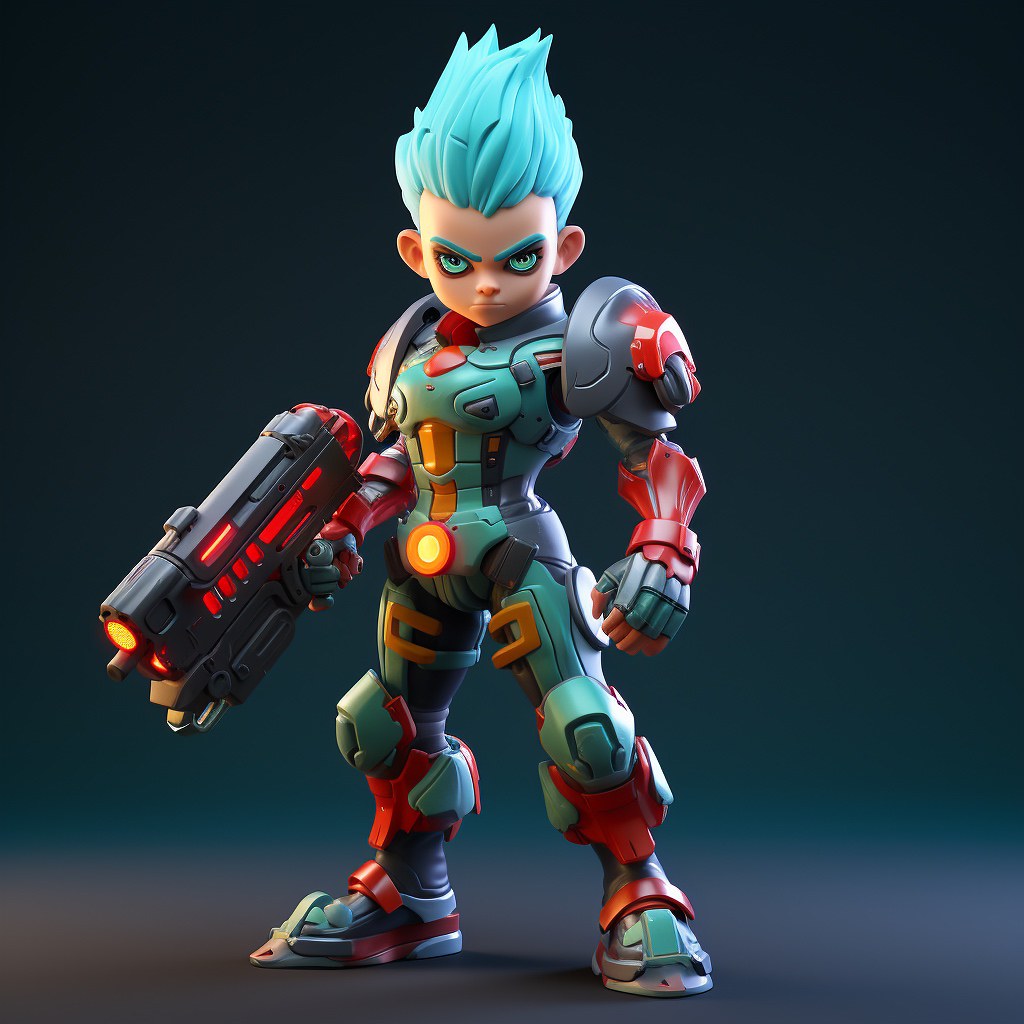
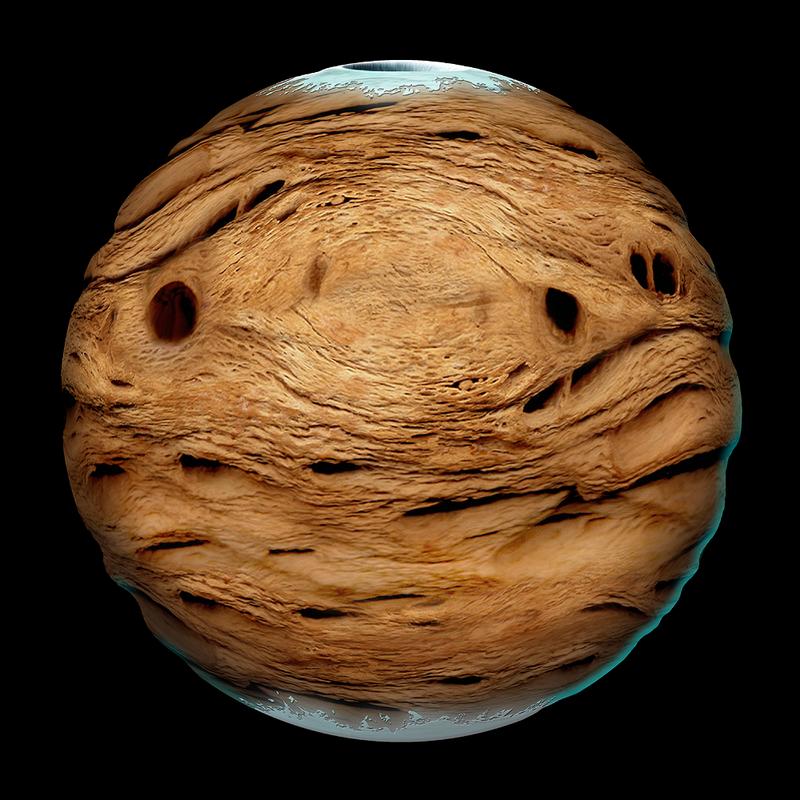
3D game art includes models, rigs, textures, and animations created in three dimensions. The output is used in a 3D game engine (Unity, Unreal) and might be rendered in-engine or pre-rendered. Production tools include Maya, Blender, ZBrush, Substance Painter, and similar.
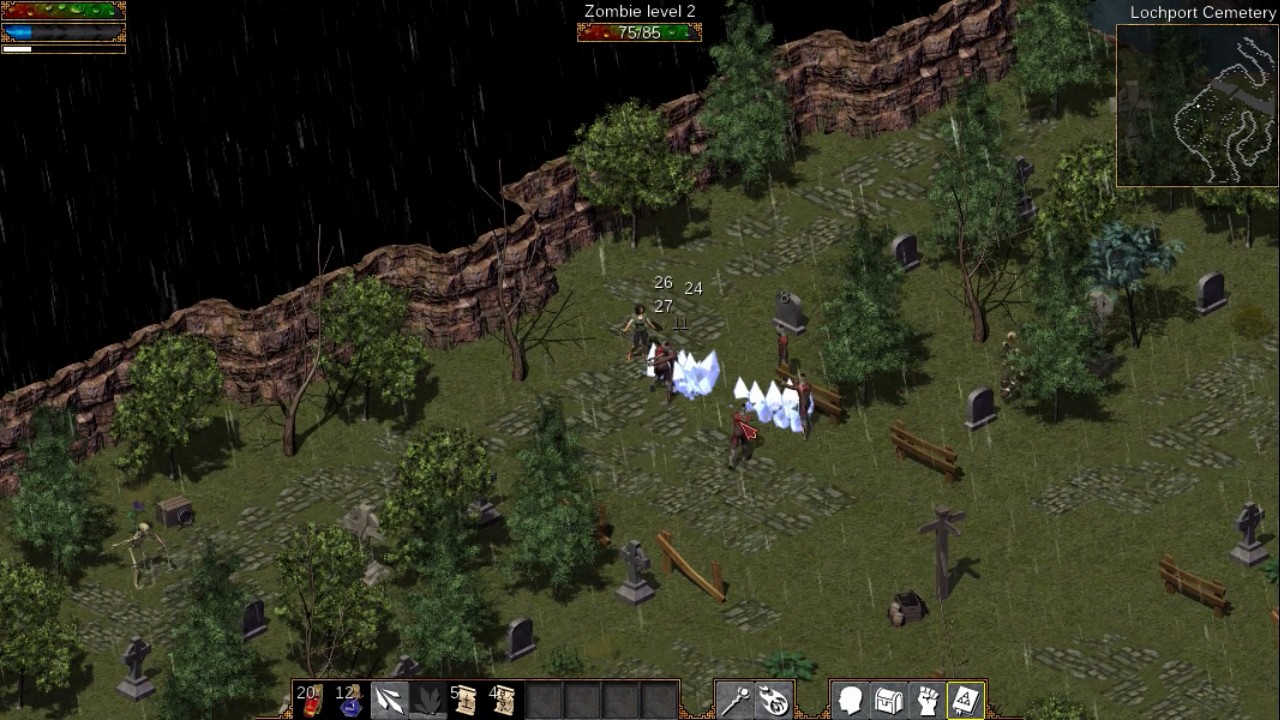
Many games combine both: 3D environments with 2D UI, 2.5D games with 3D characters in a 2D perspective, or games that use 3D assets rendered into 2D sprites.
Cost Comparison
2D Art Costs
2D game art costs vary widely by style complexity and animation requirements:
| Asset Type | Typical Cost Range |
|---|---|
| Character sprite (static) | $80–$400 |
| Character sprite (with animations) | $300–$2,000+ |
| UI icon set (20 icons) | $300–$1,500 |
| Background / environment scene | $200–$1,500 |
| Concept art (character) | $150–$800 |
| Concept art (environment) | $200–$1,200 |
Highly stylized or detailed 2D art (think Cuphead-level illustration) costs significantly more than clean flat vector work.
3D Art Costs
3D production costs depend heavily on polycount, texturing complexity, and rigging requirements:
| Asset Type | Typical Cost Range |
|---|---|
| Environment prop (low poly) | $150–$600 |
| Environment prop (high detail) | $400–$2,000 |
| Character model (no rig) | $500–$3,000 |
| Character model (with rig) | $1,000–$6,000 |
| Animated character (full rig + animations) | $2,000–$15,000+ |
| Environment scene (modular kit) | $2,000–$10,000 |
AAA-quality 3D work - cinematic characters, film-quality environments - can run significantly higher than these ranges.
Which Is More Expensive?
On a per-asset basis, 3D art is generally more expensive than comparable 2D work. A fully rigged, animated 3D character with 4K textures costs substantially more than a 2D sprite sheet of the same character.
However, 3D assets can be more cost-efficient at scale if you’re building a large game:
- 3D assets reuse across multiple angles, animations, and camera positions
- Lighting changes are free in a 3D engine
- Reusing and remixing 3D assets is easier than redrawing 2D variations
For a game with thousands of unique content pieces, 3D can ultimately be cheaper per player-visible moment.
Timeline Comparison
2D Production Times
2D art production is generally faster to iterate on:
- Concept sketches: 1–3 days
- Final character sprite (static): 3–7 days
- Animated character sprite: 1–3 weeks
- Background scene: 3–10 days
- UI screen design: 2–5 days
Revision cycles are fast in 2D - changes are applied directly in the source file without rebuilding geometry or retexturing.
3D Production Times
3D has more interdependent stages, which adds production time:
- Concept → blockout model: 2–5 days
- Final high-poly sculpt: 1–2 weeks
- Retopology + UV unwrap: 1–3 days
- Texturing (Substance): 3–7 days
- Rigging: 3–10 days (for characters)
- Animation: 1–3 days per animation clip
A fully finished, rigged, animated character might take 4–8 weeks depending on complexity and revision cycles.
The outsourcing implication: 3D projects need longer timelines and more clearly defined milestones because late-stage changes are expensive. Changing a character design after the model is built and textured means rebuilding the model.
Pipeline Complexity
2D Pipeline for Outsourcing
The 2D outsourcing pipeline is relatively straightforward:
- Brief + references delivered to studio
- Concept sketches reviewed
- Final line art reviewed
- Color/polish pass reviewed
- File delivery (PSD + PNG exports)
- Integration by your team
Each step is discrete and easy to check off. The main technical requirement is agreeing on file format, resolution, and naming convention upfront.
3D Pipeline for Outsourcing
3D has more stages and more places where things can go wrong:
- Concept art (if not already defined)
- High-poly sculpt → review
- Retopology (game-ready mesh) → review
- UV unwrap
- Texturing → review
- Rigging → review and skinning test
- Animation → review per clip
- Engine integration and LOD setup
- Optimization pass
Each stage depends on the previous one. A problem caught at rigging stage (step 6) requires going back to model (step 3). This is why 3D projects need milestone reviews at each stage rather than a single final delivery.
Technical integration is also more complex for 3D. Your outsource studio needs to know your engine, your polycount budgets, your texture resolution constraints, your LOD strategy, and your animation state machine structure. A 3D brief requires significantly more technical specification than a 2D brief.
Which Type of Studio to Hire
For 2D Outsourcing
Look for studios or freelancers with strong portfolio work in your specific style. The 2D art landscape is diverse enough that a studio excellent at painterly concept art may not be the right fit for clean UI iconography. Match the portfolio to your needs.
Strong indicators of a good 2D outsourcing partner:
- Portfolio work in a similar style to yours
- Clear process for concept → revision → final
- Experience with game-resolution output (not just print/marketing art)
- Knowledge of the specific software your pipeline uses
For 3D Outsourcing
3D outsourcing requires more technical alignment. When evaluating 3D studios, check:
- Polycount discipline - do their game-ready models reflect appropriate polycount budgets, or do they have overly dense meshes that indicate limited game production experience?
- Texture work - are they using PBR workflows? Do they have experience with your engine’s material system?
- Rig quality - if you need animation, test the rig before full production. A poorly set-up rig creates problems that compound through all animation work.
- Engine integration experience - have they delivered assets that ship in games, or do they primarily create assets for renders?
Making the Decision
Choose 2D outsourcing when:
- Your game is 2D or uses 2D characters/UI in a 3D environment
- You have a limited budget and need to maximize output
- You need fast iteration on visual style
- Your art direction is still evolving
- Your target platforms have limited GPU budgets (mobile)
Choose 3D outsourcing when:
- Your game is in a 3D engine and needs 3D assets for in-engine use
- You need dynamic lighting, shadow casting, or multiple viewing angles on the same asset
- You’re building a large open-world or environment-heavy game where 3D modular kits are more efficient
- Your game requires realtime animation at runtime (not sprite-based)
- You’re targeting PC or console with GPU headroom
Mixed approaches to consider:
- 3D characters + 2D backgrounds - common in action RPGs and JRPGs
- 3D rendered to 2D sprites - outsource 3D modeling, render into sprite sheets for 2D use
- 2D concept + 3D production - start with 2D concepts to define style, then outsource 3D execution once the look is locked
For deeper coverage of each discipline, see our guides on 2D game art outsourcing and 3D art outsourcing. Cost breakdowns for both are covered in our game art cost guide.
Key Questions Before You Start
Before briefing any studio, answer these:
- What engine are you using and what file formats does it require?
- What’s your polycount budget per asset class?
- Do you need source files (PSD, Maya files) or only exports?
- Will assets be animated? In-engine or pre-rendered?
- What’s the visual resolution of your final output? (This affects texture resolution requirements for both 2D and 3D)
Getting these questions answered before briefing prevents the most common technical problems in game art outsourcing.