Game UI Art Outsourcing: How to Get Great Interface Art
How to outsource game UI art - HUD design, icon sets, menus, and interface systems. Covers brief requirements, studio selection, and what game UI art costs.
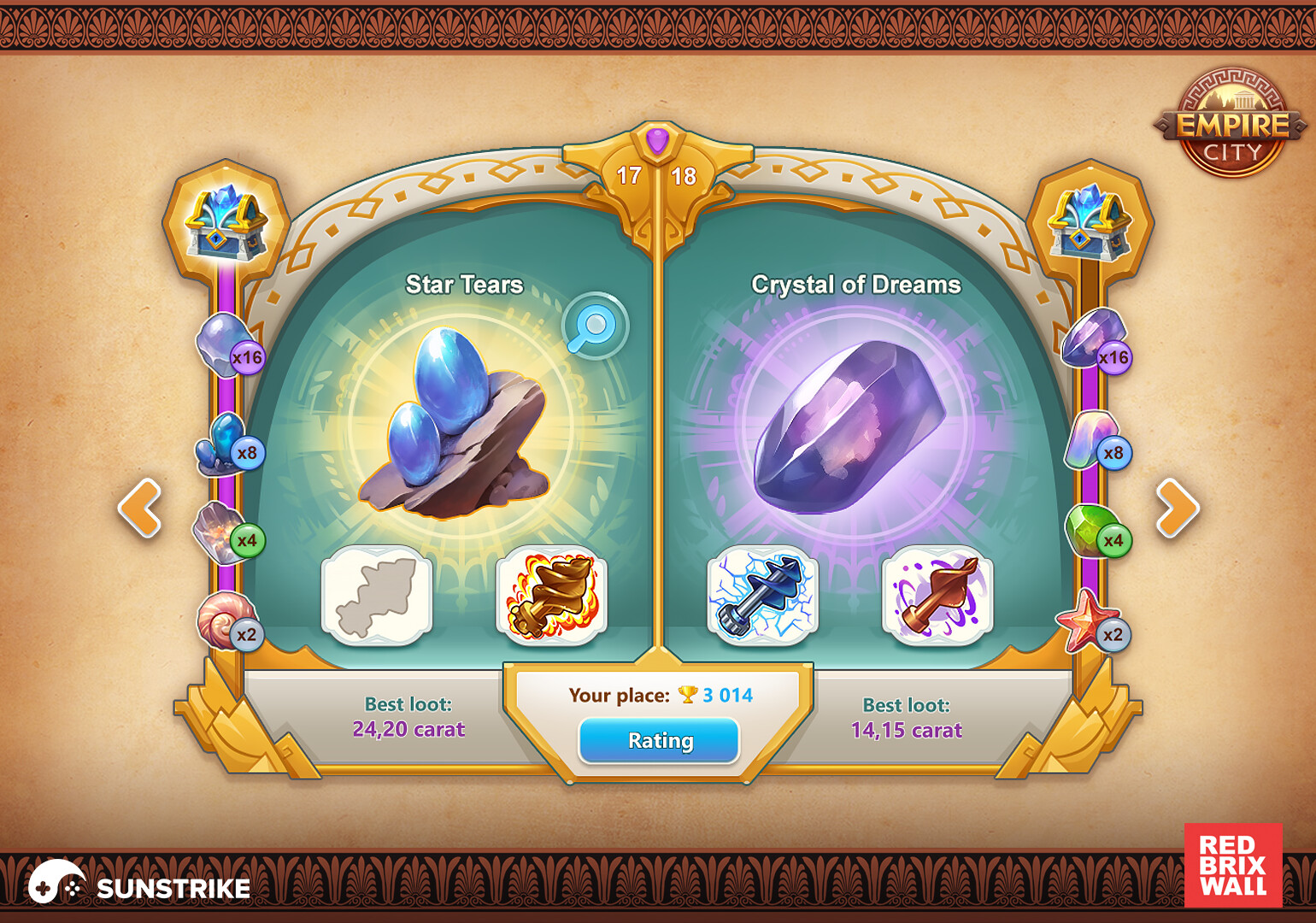
Game UI art is among the most visible art in any game - players interact with the interface for the entire play session. Yet UI art outsourcing is consistently underplanned and underbudgeted, with studios treating it as a secondary concern after characters and environments.
This guide covers how to outsource game UI art effectively: what the discipline involves, how to brief it well, what to look for in specialized studios, and how to budget for it.
What Game UI Art Actually Covers
“UI art” encompasses everything the player touches that isn’t the game world itself. The full scope is larger than most studios initially plan for:
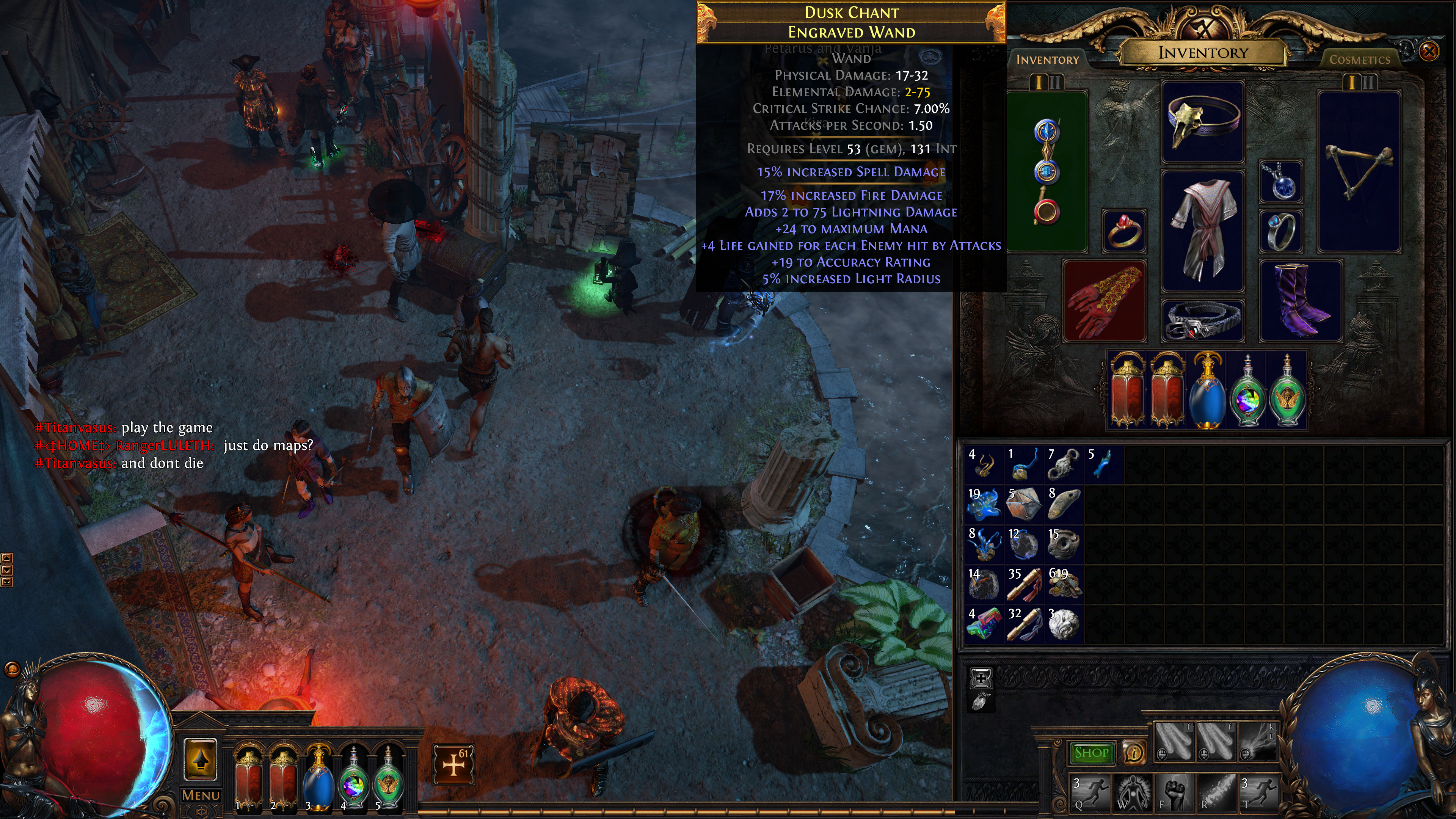
HUD elements - health bars, stamina meters, minimap frames, ammo counters, ability cooldown indicators, damage numbers, status effect icons. These appear continuously during gameplay and need to read clearly at small sizes in motion.
Icon sets - inventory items, skills, equipment, consumables, map markers, achievement indicators. Icon production is typically high-volume; a deep RPG might have hundreds of icons across multiple categories.
Menus and screen layouts - main menu, pause menu, settings screens, inventory screens, shop UI, character progression screens. Each screen requires a complete layout with interactive states (normal, hover, pressed, disabled).
Button and interactive element design - button shapes, states (normal/hover/pressed/disabled), text styles for buttons, decorative framing. This establishes the visual vocabulary of the entire interface.
Fonts and typography - UI fonts need to be legible at small sizes, have consistent weight across weights and sizes, and match the game’s visual tone. Custom fonts or customized existing fonts require design work.
Cutscene and narrative UI - dialogue boxes, subtitle frames, speaker portraits, choice prompts. Story-driven games spend a significant portion of player time in narrative UI.
Loading screens and transition art - loading screens get substantial player attention; key art or illustrated loading screens are worth the production investment.
Tutorial overlays - visual explanation systems for game mechanics, often requiring custom illustration and layout work.
The complete UI surface area of a medium-sized game can involve 200–500 individual designed elements when all variants and states are counted.
Why UI Art Requires Specialist Skills
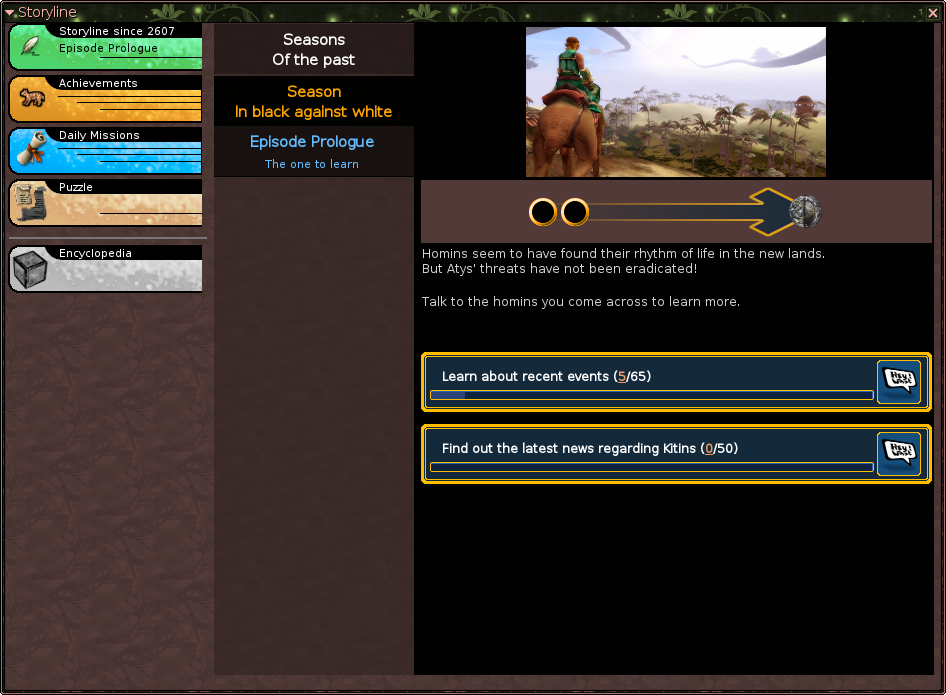
Many 2D art studios can produce character sprites and environment backgrounds but have limited expertise in UI design specifically. Game UI art requires a combination of skills that’s distinct from game asset production:
Understanding of interaction states - every interactive element needs to communicate its state visually. A button that looks the same in its normal and disabled states fails basic UI design principles.
Legibility under compression - UI elements are often small, sometimes seen at distance or on mobile displays. Design choices that look fine at design resolution can become unreadable in production.
Modularity and scalability - well-designed UI systems use modular components that can be resized, recolored, or recombined without breaking. Designing each element independently produces inconsistent, inflexible results.
Typography integration - UI art and typography are inseparable. Studios that produce art but don’t have strong typography knowledge produce menus where the visual design fights the text rather than supporting it.
Platform conventions - console UI follows different conventions from mobile UI. Controller navigation, touch targets, and screen real estate constraints require different design decisions.
When sourcing for UI art, look specifically for studios with portfolio work showing complete interface systems - multiple screens, consistent component logic, demonstrated understanding of interactive states.
Finding UI Art Studios
What to Look For in a Portfolio
Complete screen designs, not isolated elements - isolated icon packs and button designs are easier to produce than cohesive multi-screen interfaces. Ask to see full screen designs: a complete inventory screen, a full settings menu, a complete HUD layout.
Interactive state documentation - professional UI work includes all states for each element. A portfolio that shows only the default state of every element doesn’t demonstrate understanding of the full design problem.
Consistency across a system - look for portfolios where multiple screens feel like they belong to the same game. Visual consistency across a UI system is a specific design achievement, not a baseline expectation.
Platform-appropriate work - a studio with strong mobile UI experience may need significant reorientation to produce console controller-navigable UI. Match the portfolio to your platform.
Questions to Ask
- Can you show examples of complete UI systems from shipped games, across multiple screens?
- How do you handle the handoff of UI assets to developers? What deliverable format do you use?
- Do you have experience with the specific engine we’re using? (Unity, Unreal, and Godot all have different UI implementation conventions)
- Do you produce UI alongside technical specifications, or art assets only?
Writing a Game UI Art Brief
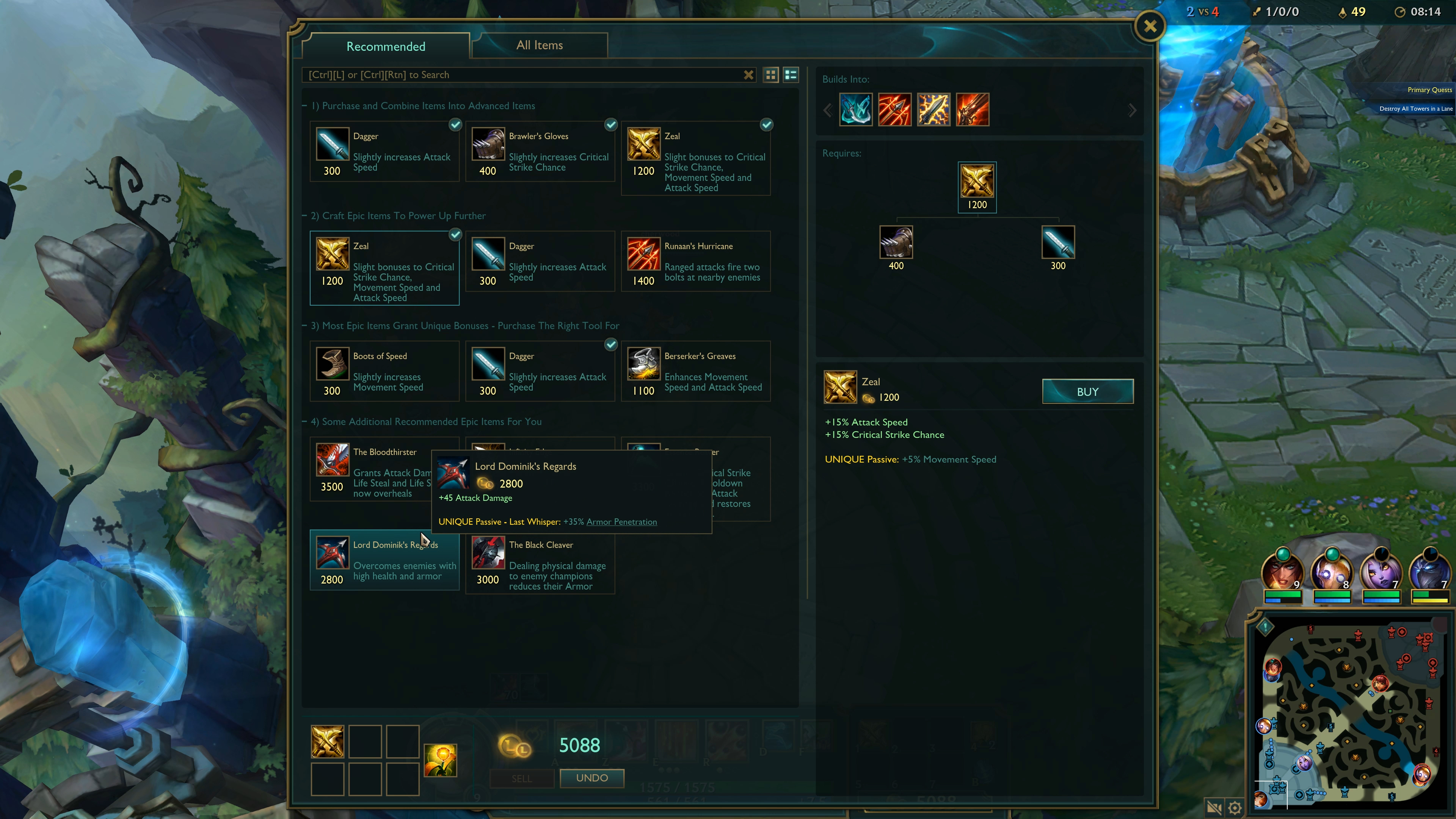
UI art briefs need specific information that other art briefs don’t require.
Establish the Visual Language First
Before producing individual UI elements, establish the visual system. This typically means producing a UI style exploration - several concept directions for the core button design, color system, and frame style. From these explorations, one direction is approved as the design language for all subsequent elements.
Skipping this step and briefing individual elements without a defined system produces inconsistent results. Even if each individual element is well-produced, elements designed without a shared language don’t cohere.
Define Technical Constraints Early
Screen resolutions and scaling - specify the exact resolutions you’re targeting and whether assets need to work at multiple screen sizes. Mobile UI requires different thinking from fixed-resolution console UI.
Engine-specific requirements - Unity’s UI toolkit, Unreal’s UMG, and Godot’s Control nodes all have specific requirements for how assets need to be delivered (9-slice images, sprite atlases, vector-compatible formats). Define these before production begins.
Animation requirements - many UI elements animate. Button hover effects, transitions between screens, icon highlights, progress bar fills. Animated UI elements need to be specified as animated assets; static deliverables can’t be animated later without rework.
Font licensing - if using licensed fonts, confirm license terms for commercial game use before designing UI around them. Font licensing problems discovered after production are expensive to fix.
Specify All States and Variants
Every interactive element needs all states documented in the brief:
- Normal / default
- Hover / focus (controller or mouse)
- Pressed / active
- Disabled / locked
- Selected / active
Missing state documentation is the most common source of scope additions in UI art production. Count states upfront and budget for them.
Managing UI Art Production
The Wireframe-First Approach
Before any polished UI art is produced, it’s worth investing in wireframes - simple layout diagrams showing what elements appear on each screen and where. This is usually faster and cheaper to do internally, but if your team doesn’t have the capacity, it can be briefed to the studio.
Wireframes serve two functions: they ensure everyone agrees on what’s on each screen before art is produced, and they give the art studio a layout to work from rather than having to invent both the layout and the visual design simultaneously.
Review for Functionality, Not Just Aesthetics
When reviewing UI art deliverables, evaluate function alongside visual quality:
- Can you navigate the screen with a controller without hunting for the focus state?
- Are all important elements within safe zones for the target display?
- Does text read clearly at small sizes?
- Are interactive elements large enough to be tappable on mobile?
- Do hover/focus states provide sufficient visual contrast from the normal state?
UI that looks beautiful in design mockups but fails these functional checks will need rework before it ships.
What Game UI Art Outsourcing Costs
UI art pricing varies significantly depending on scope, complexity, and whether the studio is producing assets only or full UX design.
| Scope | Typical Range |
|---|---|
| Icon set (30 icons, all states) | $600–$2,500 |
| HUD design (full design + all elements) | $1,500–$5,000 |
| Single screen design (all states + assets) | $500–$2,000 |
| Complete UI for a small mobile game | $5,000–$15,000 |
| Complete UI for a mid-size PC/console game | $15,000–$40,000+ |
These ranges assume art asset production only; if you’re commissioning UX design work (information architecture, interaction design, user testing) alongside art production, costs increase significantly.
For cost comparisons with other 2D art types, see the game art cost guide.
Common UI Art Outsourcing Failures
Briefing elements without establishing a system first. Individual icons and buttons produced without a shared design language won’t cohere. Establish the visual system before scaling production.
Undercounting states and variants. A simple-looking screen can have 50+ individual deliverables when all element states and variants are accounted for. Count them before finalizing the scope.
Not testing at production resolution. UI art that looks clean at 1×1 pixel mapping may have legibility issues at the actual resolutions players use. Review at representative screen sizes and distances.
Forgetting animation. UI animation is often not in the initial brief and shows up as a late-stage scope addition. If you know your UI will animate, brief the animation requirements upfront.
Treating UI as the last task. UI art that’s scoped late in production gets compressed timelines and insufficient budget. Plan UI production as a first-class production category, not an afterthought.
Game UI art, done well, is largely invisible - players navigate fluently without thinking about the interface. Done poorly, it creates friction that players feel on every interaction. The investment in a properly briefed, well-reviewed UI art production is one of the highest-leverage art decisions in game development.
For related guidance, see how to write a game art brief for brief templates and game art style consistency for managing visual coherence across large asset sets.