
Mobile Game Ads on Instagram: Creative Production Guide
How to produce mobile game ads for Instagram and Meta - format requirements, creative strategies, and how to brief and outsource ad creative at scale.
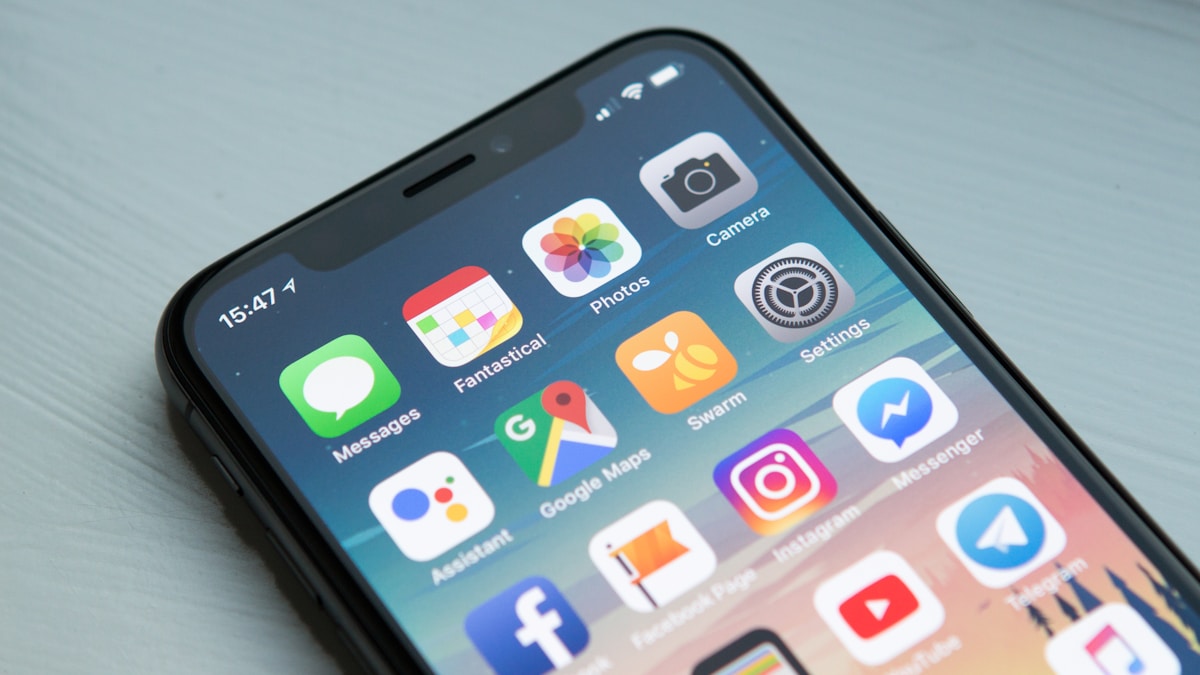
Instagram is one of the highest-volume channels for mobile game user acquisition. Meta’s advertising network - encompassing Instagram Feed, Instagram Stories, Instagram Reels, and Facebook placements - reaches a combined audience that no other mobile UA channel matches at scale.
The creative requirements for Instagram game ads are distinct from general social media advertising. Mobile game players scroll fast, have developed banner blindness against obvious ads, and respond to a specific set of visual triggers that experienced game marketers have identified through years of performance data.
This guide covers what makes mobile game ads work on Instagram, what the format requirements are, and how to produce Instagram ad creative efficiently through outsourced production.
Instagram Ad Formats for Mobile Games
Feed Placements
Square (1:1 - 1080×1080px) - the default format for Instagram Feed. Performs well across both mobile and desktop viewing. The safe zone for important content (to avoid button overlaps) is 1080×1080px with 14% margins.
Portrait (4:5 - 1080×1350px) - takes up more vertical screen real estate than square, which can improve stopping power in mobile feeds. Technically the more efficient format for mobile UA.
Landscape (1.91:1 - 1200×628px) - used less frequently for Instagram specifically but important for Facebook Feed placements that run simultaneously in Meta campaigns.
Stories and Reels Placements
Vertical (9:16 - 1080×1920px) - full-screen format for Instagram Stories and Reels. This format has the highest screen real estate of any placement and is often the best-performing format for mobile game UA.
Critical for Stories/Reels: keep all important content within the safe zone - approximately the center 75% of the frame. The top 14% is occupied by the profile photo and username overlay; the bottom 20% shows the CTA button and text area. Game assets, characters, and gameplay footage outside the safe zone will be obscured.
Video vs. Static
Video typically outperforms static creative for mobile games on Instagram, for an obvious reason: video can demonstrate gameplay. A 6–15 second video that shows a satisfying game mechanic (a match-3 combo, a battle scene, a city being built) communicates value better than any static image.
That said, static creative has a place in the creative mix:
- Lower production cost allows for more creative testing at lower budget
- Some games perform comparably on static vs. video
- Static is more reliable across network conditions (no buffering)
A mature mobile game UA creative program produces both video and static, tests them against each other, and allocates budget to the formats that perform.
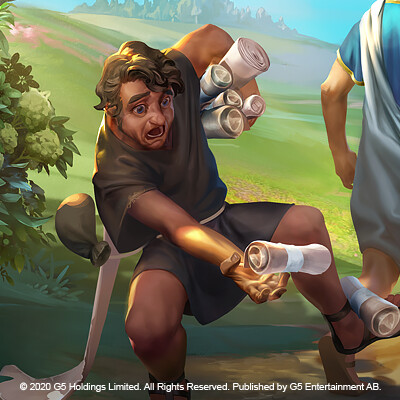
Creative Strategies That Perform for Mobile Game Ads
The Gameplay Moment Strategy
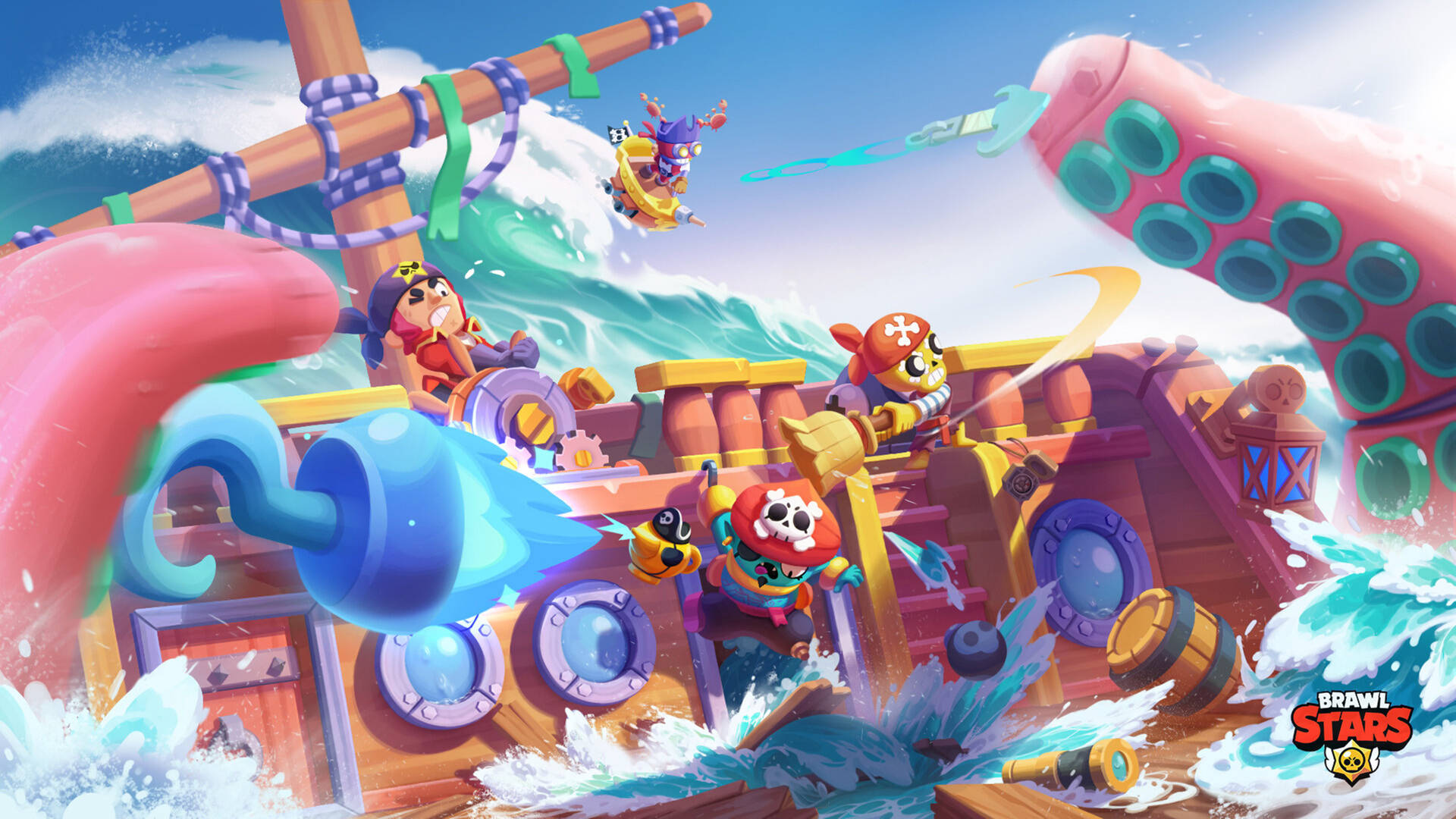
Show the most satisfying, visceral, or addictive moment in your game. For a match-3: the moment a big combo fires. For a battle game: a dramatic boss kill or a clever tactical move. For a merge game: the moment a rare item emerges.
This strategy works because it answers the most important pre-install question: “Is this game fun?” A player who watches 8 seconds of genuinely satisfying gameplay has a much better informed install decision than one who sees key art and a tagline.
The challenge: the most satisfying moments in your game may not be immediately understandable to someone who hasn’t played it. Design for the first-time viewer, not the experienced player.
The Progress / Transformation Strategy
Show a before/after progression. A character who starts weak and becomes powerful. A base that starts small and becomes impressive. A puzzle that starts unsolved and becomes elegantly resolved.
Progress and transformation tap into deep motivational triggers - achievement, mastery, status. Mobile games built on progression loops perform particularly well with this creative approach.
The Fail / Hypercasual Strategy
A near-miss scenario where the player-character fails in a slightly amusing way. Common in hypercasual and puzzle game advertising. Works because it’s immediately engaging (people naturally want to fix the failure) and creates an implicit “I could do better” response.
Execution quality matters: the scenario needs to be visually clear and feel authentic to the game. Manufactured fail scenarios that don’t resemble actual gameplay perform worse than genuine gameplay moments.
The “Can You Beat This?” Challenge Strategy
Present a difficult scenario and imply that the viewer could solve it. Puzzle games use this effectively with a presented challenge (an incomplete puzzle, a difficult level setup) accompanied by text like “99% of players fail this.”
This strategy benefits from strong visual clarity in the presented challenge - the viewer needs to immediately understand what the challenge is to feel the tension.
Instagram Ad Creative Requirements (2026)
Technical Specs
Images:
- Formats: JPG, PNG
- Maximum file size: 30MB
- Recommended resolution: 1080px on shortest side
- Aspect ratio: 1:1, 4:5, or 9:16 depending on placement
Videos:
- Formats: MP4, MOV (H.264 encoding recommended)
- Maximum file size: 4GB
- Recommended length: 6–15 seconds (though up to 60 seconds is supported)
- Minimum resolution: 1080×1080px for square; 1080×1920px for Stories/Reels
- Aspect ratio: 1:1, 4:5, or 9:16
Text overlay:
- There is no longer a formal 20% text rule on Meta placements, but creative with large text areas still tends to underperform visually. Use text overlays intentionally rather than as the primary communication vehicle.
Safe Zone Guidelines
For Stories and Reels specifically, the safe zones are critical:
- Top 14% (top ~250px of 1920px): occupied by profile info overlay
- Bottom 20% (bottom ~390px of 1920px): occupied by CTA button area
- Left/right margins: minor padding of ~100px on each side
Design with all key visual content (characters, gameplay, key text) contained within the safe zone. Brief your creative studio to produce with safe zones marked in the master files.
Producing Instagram Ad Creative at Scale
The Volume Problem
Mobile game Instagram advertising requires continuous creative production. Creative fatigue - where a specific creative’s performance degrades as the same audience sees it repeatedly - typically sets in within 4–12 weeks for a successful creative.
A mature mobile UA program for an Instagram campaign might need:
- 10–20 new static creatives per month
- 4–8 new video creatives per month
- Continuous refreshes of top-performing creatives with variation tests
This volume is only achievable with an efficient outsourced production pipeline.
How to Brief Instagram Ad Creative for Outsourcing
Campaign context brief - provide your UA team’s direction for the current creative cycle. What hypothesis are you testing? What has worked previously? What haven’t you tested yet?
Brand asset package - logo, color palette, font guidelines, existing top-performing creative (as positive and negative reference). The studio needs to understand your brand before they can produce on-brand creative.
Format specifications - specify exactly which formats you need for this production cycle. Square feed, 4:5 feed, 9:16 Stories? All three? Be specific.
Gameplay reference footage - for any video creative, provide raw gameplay screen recordings that the studio can use as reference or as source material. Clean, high-quality gameplay recordings are essential.
Performance context - if you have performance data from previous creatives, share it. “This creative fatigue within 3 weeks, this one ran for 6 months” gives the studio context for why certain creative approaches may or may not be appropriate.
Safe zone templates - provide the studio with safe zone templates for each format so their designs are production-ready without requiring revisions for placement compliance.

Production Workflow
An efficient workflow for outsourced Instagram ad creative:
- Weekly creative brief - your UA team sends a brief defining the creative concept(s) for the week’s production
- Concept mocks (1–2 days) - studio produces rough concept mockups for approval before full production
- Full production (2–3 days) - approved concepts produced in all required formats
- Review and revisions (1 day) - minor revisions applied
- Delivery and upload - files delivered in platform-ready format, organized by concept and format
With an established creative partner who knows your brand and game, this cycle can run on a reliable weekly or biweekly cadence.
What to Look for in a Studio for Instagram Ad Creative
Not all game art studios have experience producing performance-oriented mobile ad creative. The skills required are:
- Understanding of Meta ad format specifications (they change regularly; a competent studio stays current)
- Experience producing assets optimized for small screen, fast-scroll viewing
- Ability to work in rapid iterations (not just polished portfolio pieces)
- Awareness of what creative approaches tend to perform in mobile game UA
When evaluating studios for Instagram ad creative production, ask for examples of complete creative sets - all formats for a single campaign concept. This reveals whether they can maintain visual consistency across the format variations required by Meta placements.
Tracking What Works
The performance of Instagram game ads is directly measurable. CPM, CTR, IPM (installs per thousand impressions), and CPI (cost per install) can all be tracked at the creative level through Meta Ads Manager.
Use this data to:
Identify winning creative patterns - creatives that consistently outperform on IPM and CPI have visual and structural characteristics worth replicating. Brief your studio to explore variations on winning creatives before moving to entirely new concepts.
Retire fatiguing creative - track performance decay by monitoring weekly IPM trends on individual creatives. When a top performer starts declining, have a replacement in production before it fully fatigues.
Test systematically - rather than launching multiple completely different creative concepts simultaneously, isolate variables. Same concept with different opening 3 seconds. Same gameplay footage with different text overlays. Systematic testing produces more actionable learnings than running everything at once.
For broader coverage of game advertising art, see our video game advertising art guide. For 2D art production that feeds into ad creative, see 2D game art outsourcing.

Instagram ad creative for mobile games is a production problem at scale - the studios that solve it build reliable outsourced pipelines, test systematically, and use performance data to continuously refine their creative direction.